Plug in the drive and your vault is there
Your computer is where you organise everything: drag in whole folders, see photos full size and videos without waiting, and nothing decrypted touches the disk.
Everything it does on Windows
Detects the drive
The app sees it as soon as you plug it in. If you like, it opens by itself when you do.
Drag in whole folders
Drop a folder on the window and it goes in with everything inside. Copying into the vault does not delete the original.
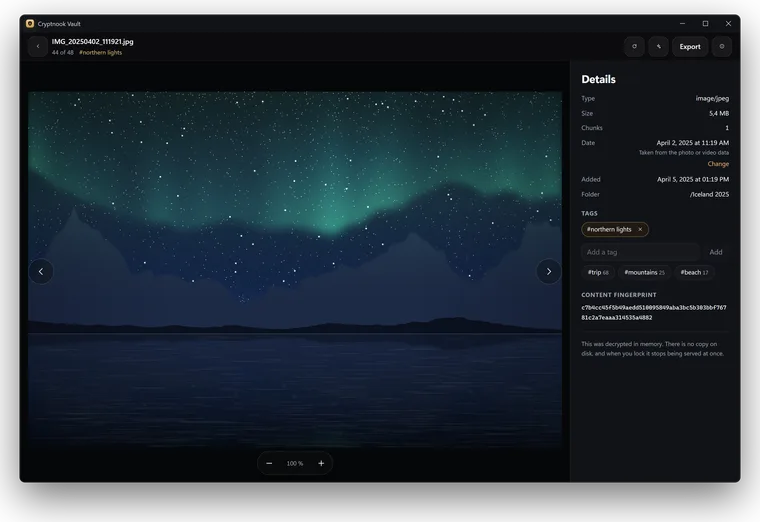
Photo viewer
With zoom and rotation, and a gallery sorted by the date each photo was taken.
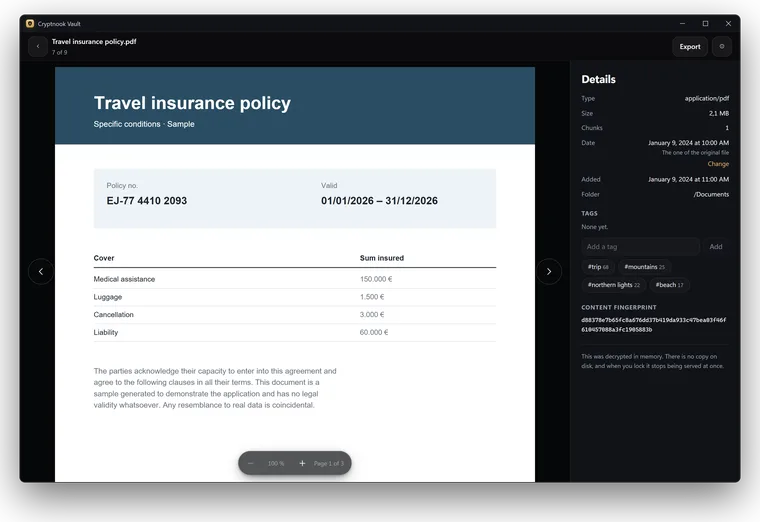
Video without writing to disk
A built-in player that jumps to any minute. Videos in formats it cannot play can be converted from within the app.
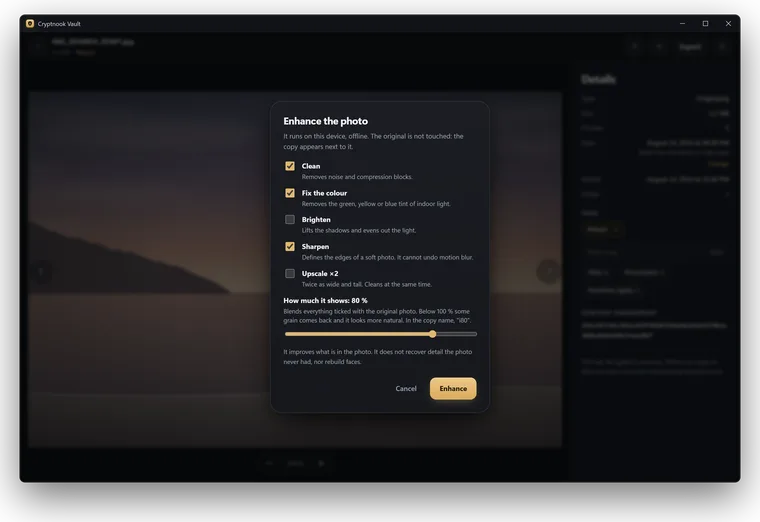
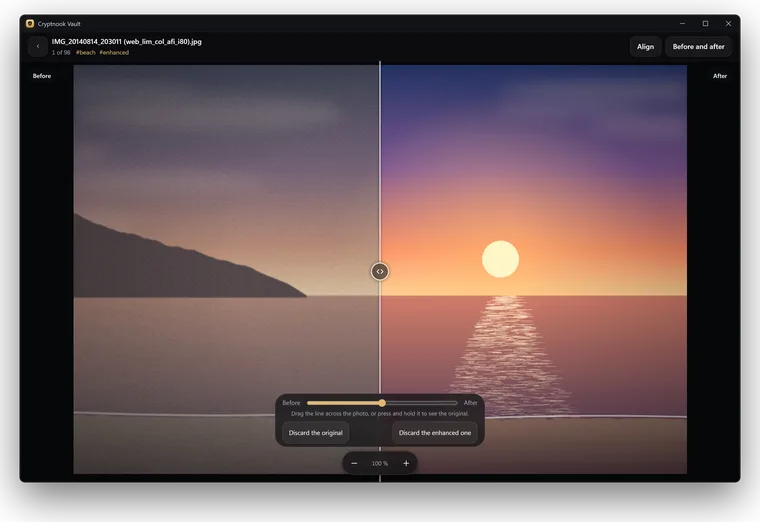
Photo enhancement, locally
More sharpness, light and colour, and higher resolution for small or old photos, with a model that runs on your computer and is more powerful than the phone’s. It saves a new copy, and nothing is uploaded anywhere.
Compare and find duplicates
Compare two photos to keep the good one, or look for repeats across the whole vault.
Locking that means it
When idle and when the computer sleeps. When it locks, the app restarts so nothing is left in memory.
Integrity check
Checks that every chunk is there and unchanged, and cleans up leftovers from an interrupted write.
Backups
Copy the vault to another drive or to a file, and check that the backup can be restored.
What you need
macOS and Linux are not available for now.