Your vault, on the drive you carry with your phone
Plug the drive into your phone and open the same vault you use on your computer, or keep it in the phone’s own storage. Photos and videos that never touch your gallery or the cloud.
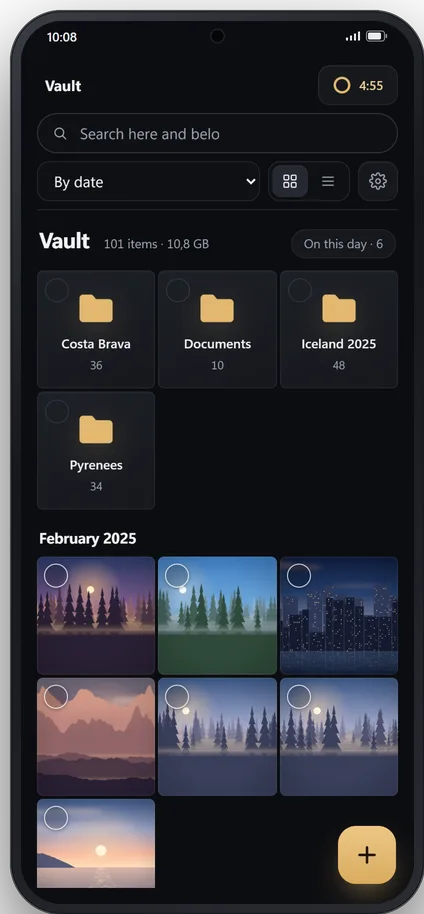
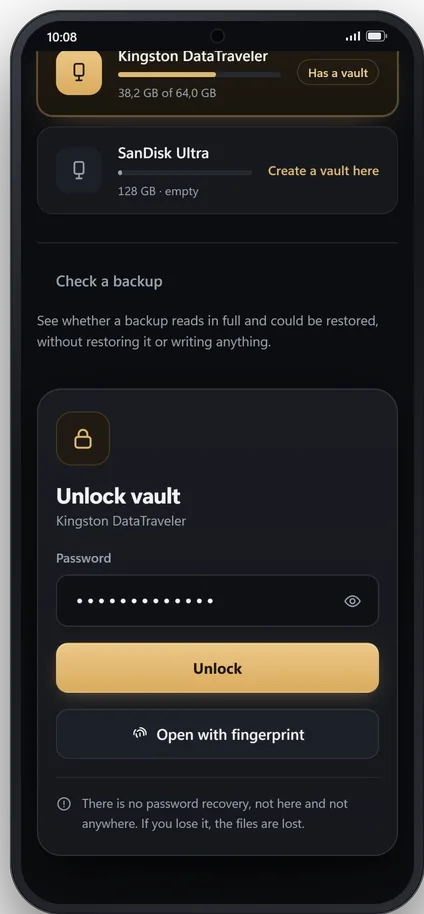
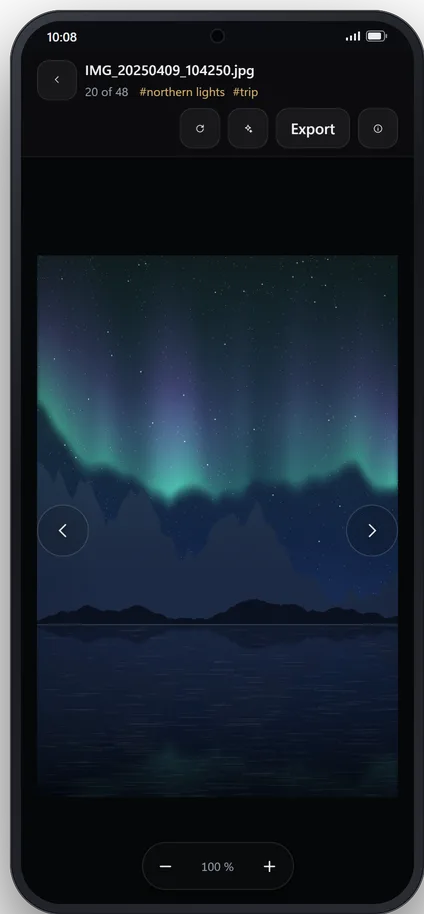
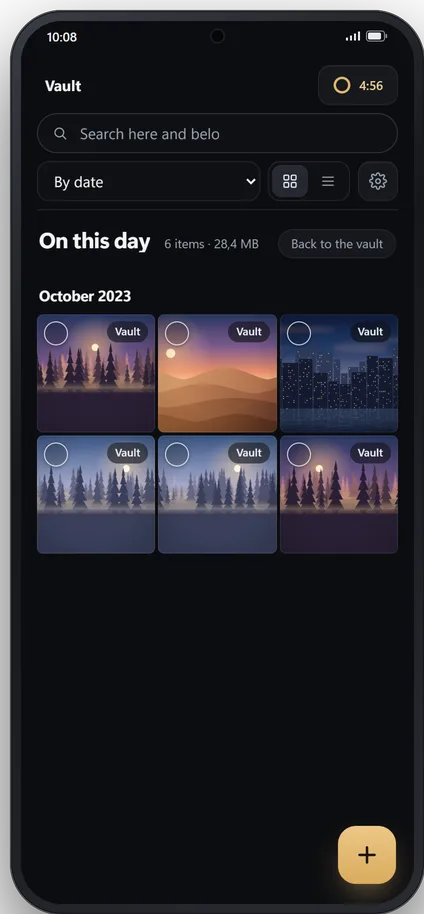
Built for the phone
USB-C or OTG drive
A USB-C drive directly, or a classic one with an OTG adapter. The vault is the same one you open on Windows.
No drive needed, too
A vault in the phone’s own storage, with everything else the same. If you ever want it on your computer, export it to a USB drive and it opens on Windows.
Built-in camera
Take photos and record videos that are saved straight into the vault, without going through your phone’s gallery or its cloud backup.
“Save to Cryptnook Vault”
From the Share menu, in your gallery or any app. What you share goes into the vault, and the original stays on your phone: deleting it is up to you.
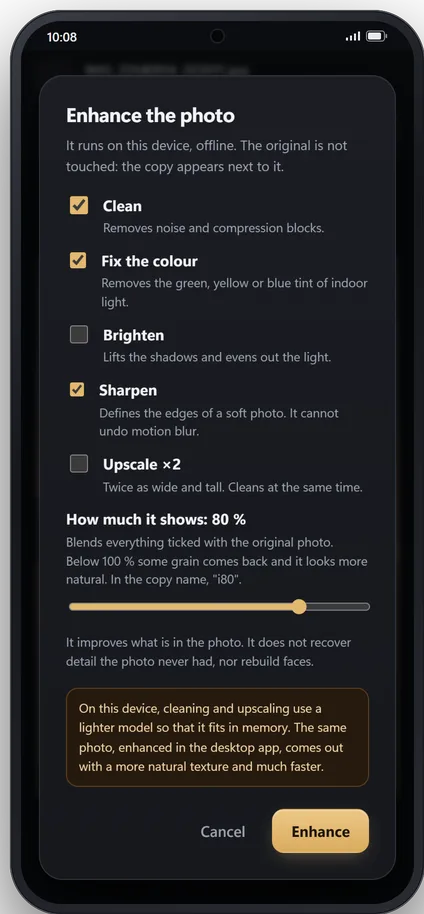
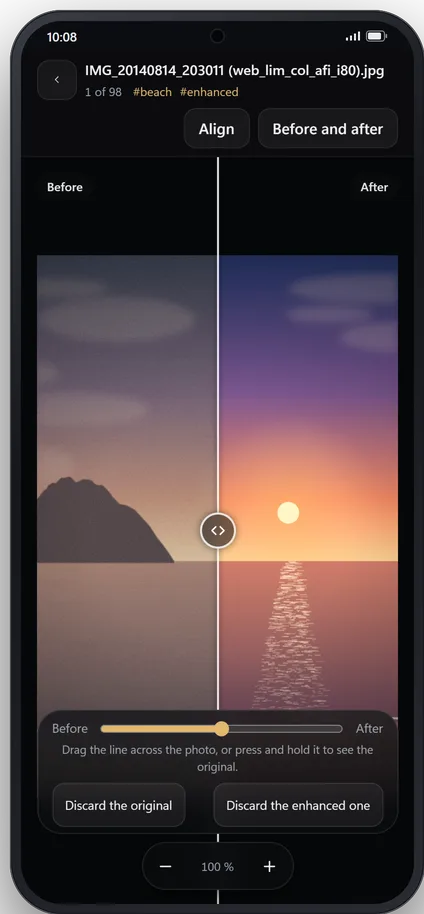
Photo enhancement, on the phone
More sharpness, light, colour or resolution, with a model that runs on the phone and works offline. It saves a new copy and leaves the original alone.
Compare and find duplicates
Compare two photos to keep the good one, or look for repeats across the whole vault.
Fingerprint unlock
Optional. The password is kept under the phone’s key store; if you change it, you turn fingerprint unlock on again.
Locks itself
When the app goes to the background and after the idle time you choose on this phone, independent of the one on your computer.
No internet permission
The app does not declare it, so it cannot connect to anything. You can see it under “App permissions” on its Google Play listing.
This is how it opens the first time
Plug in the drive
Directly if it is USB-C, or with an OTG adapter.
Choose Cryptnook Vault
Android asks which app should open the drive. The first time, it also asks your permission for the app to use it.
Type your password
Or use your fingerprint, if you turned it on. Unplugging the drive closes the vault.
Before you buy, check your phone
You need Android 11 or later and, to use a USB drive, a phone that reads them. Almost all recent ones do, but not all: check it in two minutes.